

































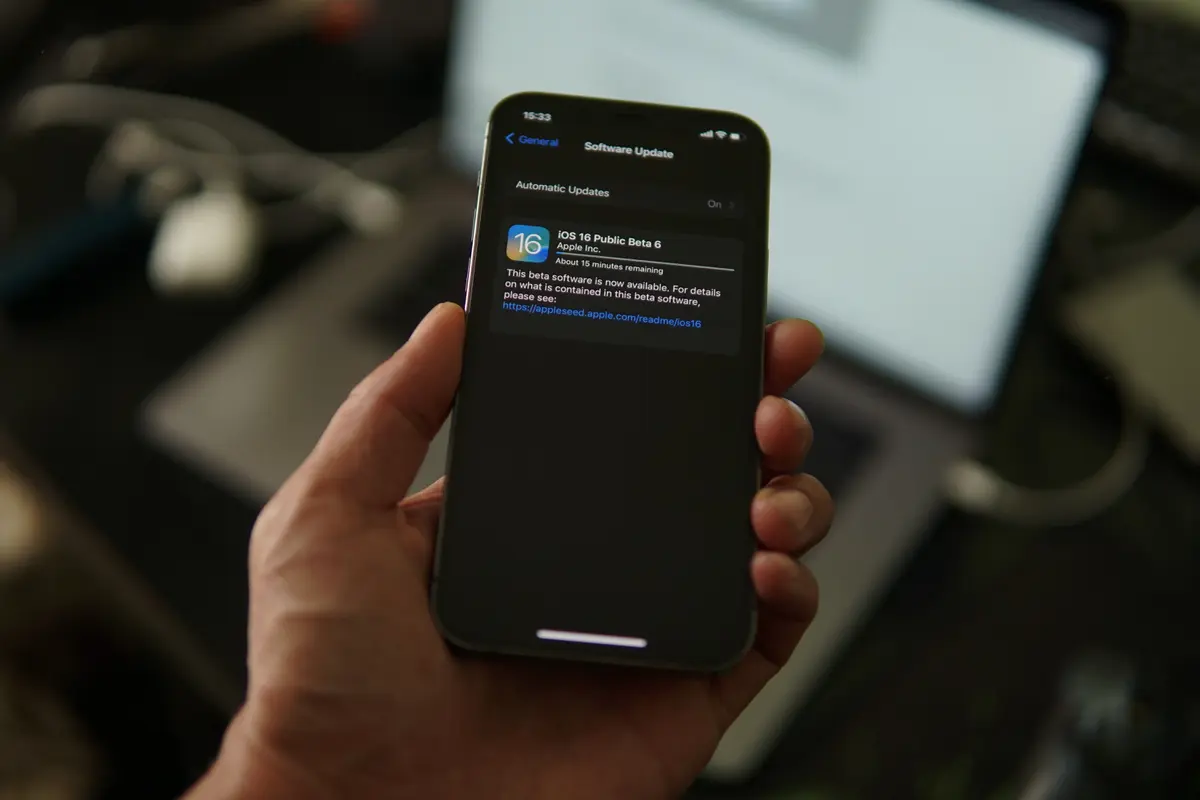
If you’re one of the many expats, digital nomads, or long-term travelers in Bali who just installed Apple’s iOS 27 Public Beta, you’re in for one of the more substantial updates Apple has rolled out in years. Between a redesigned interface, a significantly upgraded Siri, and new AI-powered photo editing tools, there’s a lot to unpack, and a few settings worth adjusting immediately, especially if you’re relying on your iPhone for navigation, translation, or staying connected while living abroad.
Here’s what to do after updating, and why some of these features matter more than you’d think if you’re based on the island.
1. Customize the New Liquid Glass Interface
Apple has redesigned iOS with a new “Liquid Glass” aesthetic, featuring adjustable slider controls that let you fine-tune how transparent or opaque your interface looks.
To adjust it, head to Settings > Appearance > Liquid Glass. From there, you can dial the transparency up for a clearer, more colorful look, or dial it down for something more solid and less see-through if the glass effect isn’t your style.
For anyone using their phone outdoors in Bali’s bright tropical sunlight, at a beach club in Uluwatu or a warung table in Canggu, a more opaque, higher-contrast setting can genuinely make the screen easier to read.
2. Try the New Siri and Apple Intelligence Features
The most significant addition in iOS 27 is the overhauled Siri, powered by a deeper version of Apple Intelligence. Because the update is so extensive, you may find yourself placed on a waitlist before gaining access, even developers testing the beta reportedly waited several days.
Once you’re in, your iPhone will need time to re-index your messages, emails, and other data so Siri can actually access and understand it. According to Apple Insider, this indexing process can take up to several weeks to complete. If you want it to move faster, try charging your phone more frequently, indexing tends to happen more efficiently while your device is plugged in.
Once fully set up, Siri becomes noticeably more capable: better contextual understanding, broader personal insight, and tighter syncing across your devices. One practical example Apple has highlighted: if your child’s school sends a PDF with a holiday schedule, you no longer need to manually enter the dates into your calendar. Simply ask Siri, and it will pull the relevant dates and sync them automatically.
For anyone juggling international school schedules, visa appointment reminders, or flight confirmations while living in Bali, this kind of automatic scheduling could genuinely cut down on admin time.
3. Reframe and Extend Your Photos with AI
Apple Intelligence now includes new photo editing tools: Clean Up, an image Extend option, and Spatial Reframe.
The Extend feature lets you expand a photo’s background by roughly 25%, useful for turning a landscape shot of a rice terrace in Ubud or a sunset in Uluwatu into a portrait-oriented image for social media or a lock screen. Spatial Reframe, meanwhile, lets you adjust the tilt and angle of a photo after the fact, handy for fixing that slightly crooked shot of Tanah Lot at golden hour.
4. Digitize Your Physical Membership Cards
With iOS 27, you can finally ditch physical loyalty and membership cards in favor of digital versions stored in Apple Wallet, no third-party app required.
Simply scan the barcode or QR code on your card, and Apple Wallet will generate a digital version automatically. This works for supermarket loyalty cards, gift cards, gym memberships, or any other card typically cluttering your wallet. You can customize the card’s color and add extra information, and a photo of the original card is saved alongside the digital version as backup.
For anyone living in Bali long-term and accumulating loyalty cards from local supermarkets, gyms, or co-working spaces, this is a small but genuinely useful way to declutter.
5. Fine-Tune the Equalizer on Your AirPods
iOS 27 introduces EQ controls for AirPods and AirPods Pro. Head to Settings > AirPods > Audio & Routing > Equalizer to adjust the bass and treble balance on your earbuds.
While the controls aren’t as granular as dedicated audio apps, they’re a solid addition, adjustments play in real time as you move the sliders, so you can hear the difference immediately.
Other Notable Improvements
Even in beta form, iOS 27 shows noticeable speed improvements, something Apple acknowledged took significant optimization work.
Safari now supports tab grouping, making it easier to organize and relocate previously opened tabs, a small but welcome change for anyone juggling multiple browser tabs for flight bookings, visa paperwork, and accommodation research at once.
There’s also a smarter clipboard feature: copy something in one app, switch to another, and the copied content now appears automatically without needing to long-press the screen to trigger the paste option.
Should You Install the Public Beta?
As with any beta software, there’s a tradeoff between early access to new features and potential bugs or battery drain, worth keeping in mind if you’re relying heavily on your iPhone for work, navigation, or staying in touch with family back home. If your phone is essential to your daily life in Bali, waiting for the stable public release later this year may be the safer bet.